What to prepare before you list a spare room: rent, bills, photos, house rules and how viewings work.
A clear listing gets fewer wasted viewings. Tenants filter by area, budget, bills and length of stay, so those facts should be on the page before you send it for review.
The offer
- Set the rent as weekly or monthly, and say which bills are included.
- State the deposit, if you take one.
- Give a date the room is free, and how long it can be let.
- Say whether it is furnished, and what furniture stays.
- Describe who else lives in the home. That is the detail most people ask first.
The listing
- Use a title that says the room type and the area, such as “Double room in Selly Oak”.
- Add a real postcode so search can find you.
- Name the nearest station people would actually use.
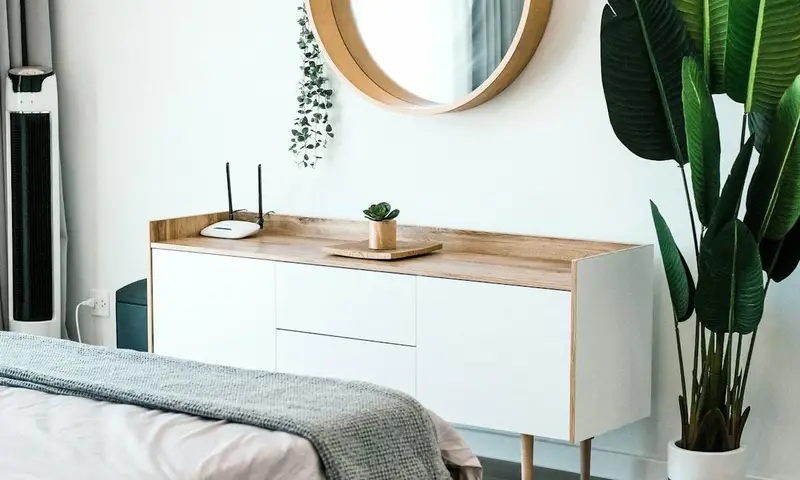
- Photograph the room in daylight. The first photo is the cover. Add the kitchen or bathroom if tenants share them.
- Write house rules in plain language: smoking, pets, guests, cleaning and quiet hours.
Viewings
On RoomNest, anyone can request a viewing without an account. You confirm or decline the time from your portal. A request is not a booking of the tenancy and no payment is taken on the site. Meet people at the property, show the room, and only then agree a move-in and a deposit.
Send the listing for review when the photos and the rent are ready. A draft stays private until RoomNest publishes it.